Create your first world
On a fresh install the Worlds page is empty and offers a sample world, The Blackwater Observatory (a 1912 mountain-town mystery with four characters, places, items, variables and triggers). Add this sample world copies it into your worlds as a world of your own, to play, edit or take apart; it is never overwritten, and it is not offered again once you have it.
The sample is the quickest route to a first session and a useful working reference. Open its editor to see how character goals, private knowledge, relationships, map connections and deterministic triggers fit together.
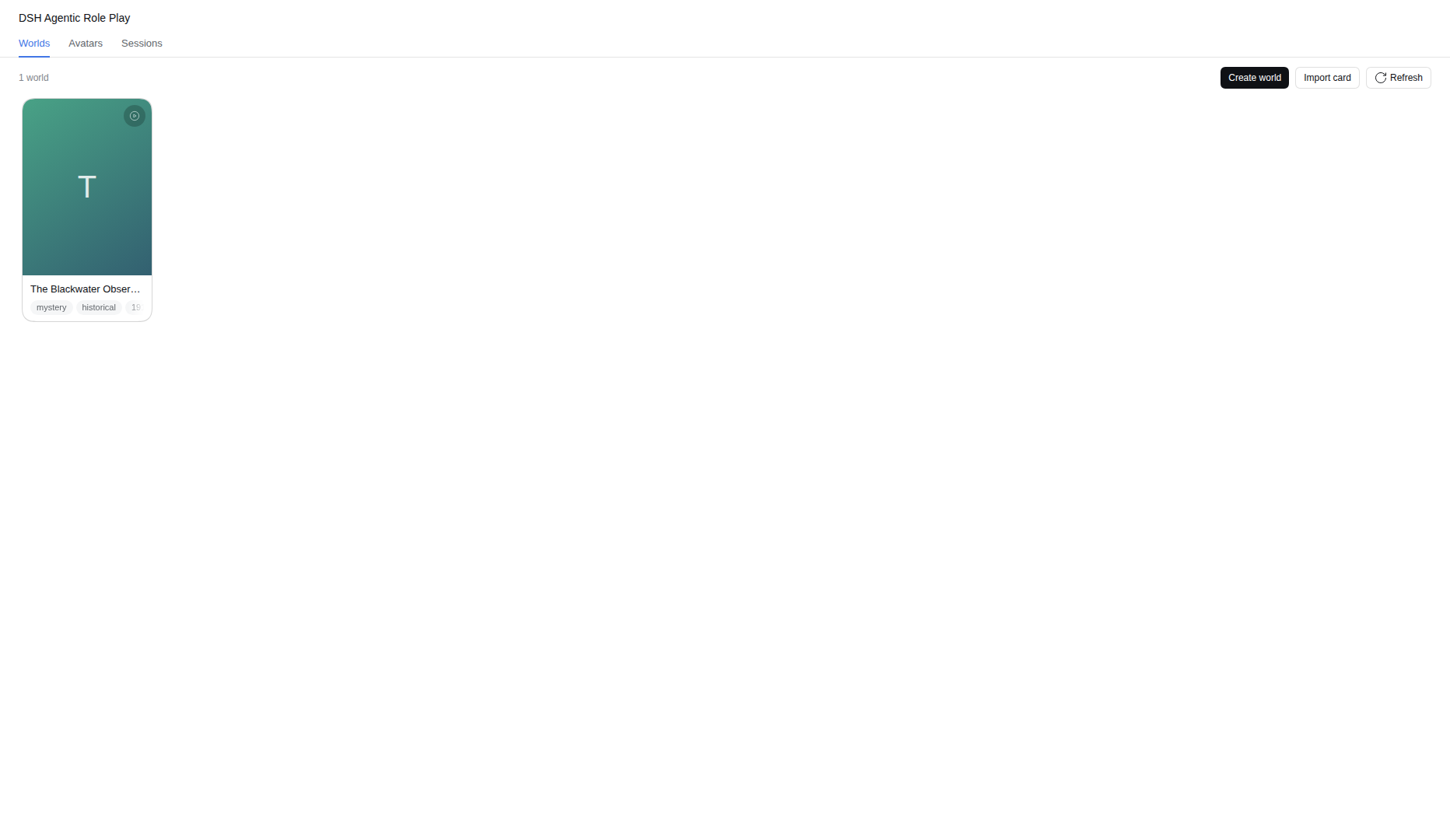
To make your own, open Role Play → Worlds, select Create world, and enter:
- a folder name, used only for storage;
- a world name, shown to users.
The plugin creates worlds/<folder>/world.json with a stable world ID and opens the shared world editor.
For the smallest playable world:
- Add a character.
- Set its role to Playable.
- Give it a name, summary and starting state.
- Add at least one location if spatial play matters.
- Write an opening message in
world.jsonif the session should begin with authored narration.
That is enough to play. Lore, factions, plots, routines, variables, triggers, voices and images can be added incrementally. A compact world with a few conflicting motives is usually a better first test than a large encyclopaedia with little for its characters to do.
Before starting, check three perspectives:
- What can the player attempt? Give the opening scene something concrete to notice, want or question.
- What does each character want? Goals and constraints create action without scripting dialogue.
- What is private? Put secrets into the appropriate character knowledge, inner state or lore access instead of the public description.
Use the editor for ordinary work. Direct file editing is also supported; refresh the Worlds page after changing files outside DSH. Validation errors are reported with their document paths and prevent an invalid world from starting.
The Author world button opens a dedicated authoring chat in the same workspace. Its changes require approval by default; automatic changes can be enabled explicitly. See Authoring assistant.